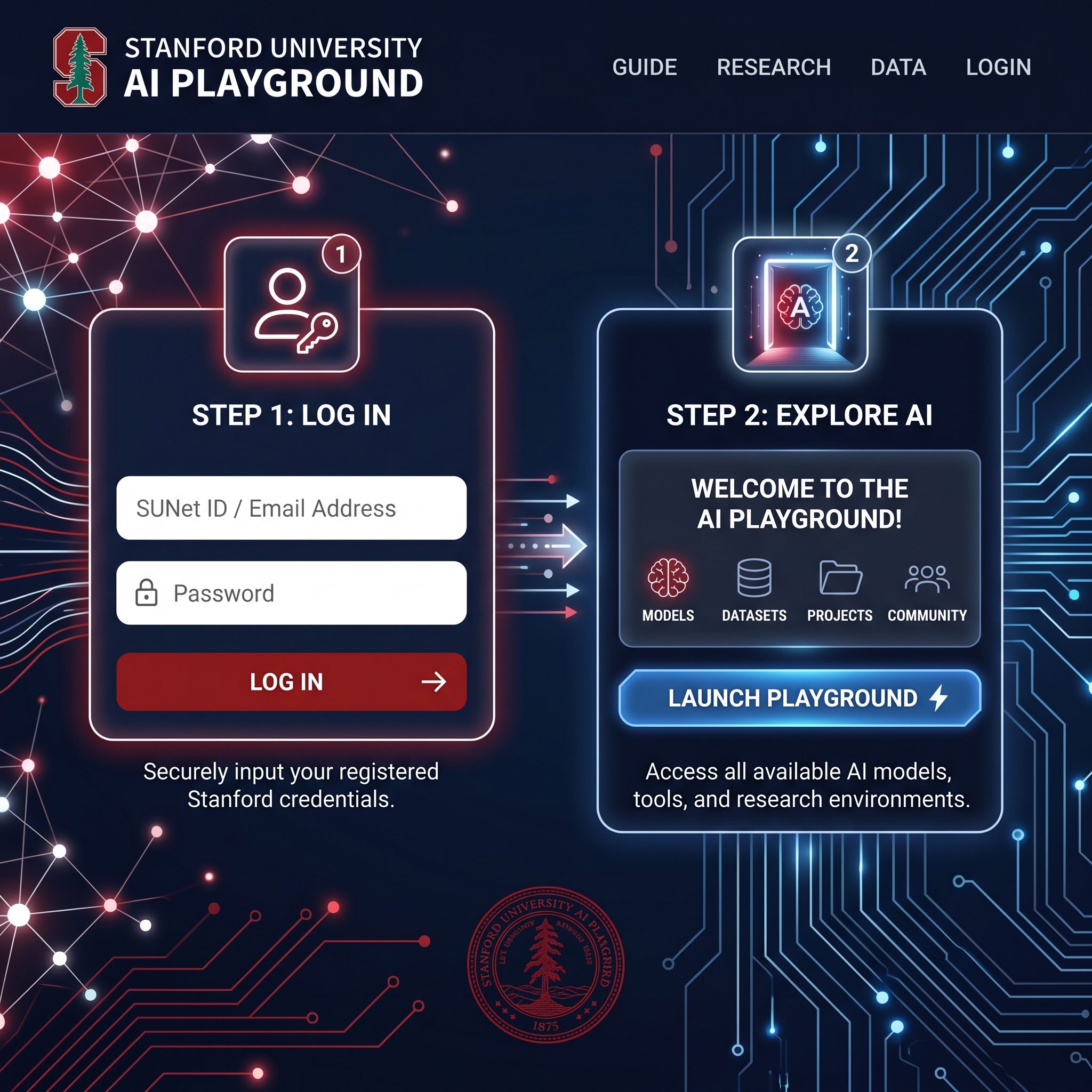
In 2026, universities and research institutions face a growing challenge: how to give their communities powerful generative AI tools while protecting sensitive data, maintaining compliance, and avoiding the privacy risks of public platforms. Stanford University’s Information Security Office and University IT (UIT) addressed this directly by building and expanding the Stanford AI Playground.
Hosted at aiplayground.stanford.edu, this secure, Stanford-managed platform lets eligible community members experiment with leading models from OpenAI, Anthropic, Google, Meta, and others—all within university-controlled systems. It includes Stanford-specific plugins (such as Admin Guide Search and Faculty Handbook tools), side-by-side model comparison, file analysis with OCR, and more.
For Stanford faculty, staff, students, postdocs, and affiliates engaged in writing, research, journalism, content creation, or administrative work, the AI Playground offers a safer, more integrated alternative to jumping between ChatGPT, Claude, or Gemini accounts. This guide provides the exact login steps, eligibility details, key features, real-world use cases, and practical advice for getting the most value while staying responsible.
Whether you’re a researcher drafting papers, a staff member querying university policies, or a writer exploring AI-assisted workflows, understanding how to access and use this platform is essential in today’s academic and professional landscape.
Quick Answer
Eligible Stanford community members (faculty, staff, students, postdocs, visiting scholars, sponsored affiliates, and fellows) can access the AI Playground by visiting aiplayground.stanford.edu and logging in with Stanford Single Sign-On (SSO). First-time users complete a brief information release consent. The platform provides secure, free access to multiple frontier AI models and Stanford-specific tools while keeping data within university systems—making it significantly safer for low-, moderate-, and now approved high-risk data than public consumer tools.
What Is the Stanford AI Playground?
The Stanford AI Playground is a user-friendly, open-source-based platform developed and managed by University IT. It consolidates access to commercial and open AI models in one secure environment, allowing users to compare outputs, attach files, use specialized agents, and leverage university-tailored plugins without creating separate accounts on external sites.
Unlike public versions of ChatGPT or Claude, the Playground routes interactions through Stanford’s infrastructure. This gives the university greater control over data handling and reduces the risk of sensitive information leaving approved channels. As of 2026, it is approved for high-risk data (with certain categories like PHI and PCI still under review or restricted).
Eligibility and Who Can Access It
Access is restricted to the Stanford community:
- Active faculty and staff
- Students (undergraduate and graduate)
- Postdocs
- Visiting scholars
- Sponsored affiliates and fellows
It is not open to the general public or alumni without current active affiliation. If you do not have a current Stanford SUNet ID or equivalent credentials, you cannot log in directly. Some advanced image-generation agents are further restricted for students, postdocs, and visiting scholars.
Step-by-Step Login Guide for the Stanford AI Playground
Follow these exact steps to access aiplayground.stanford.edu:
- Visit the platform Go to https://aiplayground.stanford.edu/ in your web browser (Chrome, Firefox, Edge, or Safari recommended for best compatibility).
- Initiate Stanford SSO login You will be redirected to Stanford’s Single Sign-On page. Enter your Stanford username (usually your SUNet ID) and password, then complete any required two-factor authentication (Duo or equivalent).
- Complete the Information Release consent (first-time users) On your first visit, you may see an Information Release settings page. This is part of Stanford’s authentication system and confirms you understand how your basic profile data is used for login.
- Select your preferred consent duration.
- Click Accept to proceed. All data shown during login stays within Stanford systems.
- Enter the Playground interface Once authenticated, you’ll land on the main chat interface. You can immediately start typing prompts, select models from the top menu, or explore the right sidebar for memories, parameters, and tools.
- Optional: Install as a Progressive Web App (PWA) For easier daily access, install the Playground like a native app on your device. Instructions are available in the platform’s help resources.
Troubleshooting tip: If you encounter login issues, clear your browser cache/cookies, try an incognito window, or contact Stanford IT support. The platform works best on up-to-date browsers.
Key Features and Capabilities Available in 2026
The Playground continues to evolve with regular updates. Current highlights include:
- Multiple frontier models — Access GPT-5 series, GPT-4o variants, Claude 4.x and 3.x models, Gemini 2.x Flash/Pro, Llama 3.2/4, DeepSeek R1 and V3, and more.
- Side-by-side model comparison — Run the same prompt on two models simultaneously and compare outputs.
- File handling — Upload images, PDFs, or text files with OCR support; use File Search for semantic retrieval across large documents.
- Specialized agents and plugins — Stanford Admin Guide Search, Faculty Handbook Search, Wolfram for mathematics, Web Search, image generation (Imagen 3 and others—restrictions apply), and a helpful AI Helper agent.
- Artifacts — Generate and preview code, charts, graphs, or interactive web elements directly in the interface.
- Memories and customization — Persistent context across conversations, adjustable parameters (temperature, tokens, reasoning effort), and bookmarking.
- Temporary chats — For sensitive or quick experiments; these auto-delete after 30 days.
- Sharing — Create links shareable with other authenticated Stanford users.
These features make the platform particularly useful for research synthesis, policy queries, data analysis, and iterative writing tasks.
Pros and Cons of Using the Stanford AI Playground
Pros
- Stronger data privacy and security controls than public tools; approved for high-risk data.
- Free access to multiple premium models without separate subscriptions or rate limits from individual providers.
- Stanford-specific plugins save time on university policy and administrative questions.
- Convenient model comparison and file analysis tools in one interface.
- Data remains within Stanford systems; reduces compliance risk for researchers and staff.
Cons
- Strictly limited to current Stanford affiliates (excludes alumni, external collaborators without sponsorship, and the general public).
- Some advanced image-generation features are unavailable to students and postdocs.
- Occasional hallucinations or model-specific quirks still require human verification.
- Not all external plugins or newest experimental features from vendors are immediately available.
- Requires active Stanford credentials and periodic re-authentication.
Comparison Table: Stanford AI Playground vs. Public Tools
| Aspect | Stanford AI Playground | Public ChatGPT / Claude / Gemini |
|---|---|---|
| Data Control | Stanford-hosted, approved for high-risk | Vendor-controlled; higher leakage risk |
| Cost to User | Free for eligible users | Free tier + paid plans |
| Stanford-specific tools | Yes (Admin Guide, Faculty Handbook) | No |
| Model Variety | Multiple vendors in one place | One vendor per account |
| File Analysis & OCR | Built-in with search | Varies by platform |
| Eligibility | Stanford community only | Open to anyone |
Real Examples and Case Studies
Case Study 1: Stanford Researcher Using Secure File Analysis A faculty member in the social sciences needed to analyze sensitive interview transcripts and policy documents for a grant-funded project involving moderate-risk data. Instead of uploading to a public tool, they used the AI Playground’s File Search and OCR features with a chosen Claude model. They compared outputs side-by-side with a GPT variant and used the Stanford Admin Guide plugin for related university compliance questions. The entire workflow stayed within Stanford systems, satisfying the project’s data security requirements.
Case Study 2: Staff Writer and Content Creator Leveraging University Plugins A communications staff member responsible for updating internal guides and faculty resources regularly queries the Faculty Handbook Search and Admin Guide Search agents. They draft initial sections in the Playground, then refine tone and accuracy manually. The ability to switch models quickly helps them choose the best output for clarity and institutional voice. They report significant time savings on routine research while maintaining full control over final published content.
These examples illustrate how the platform supports both research integrity and practical writing/administrative workflows common among Stanford’s content creators and knowledge workers.
Practical Tips and Actionable Steps for Effective Use
- Start with the right model for the task — Use faster models (e.g., GPT-4o-mini or Gemini Flash) for quick drafts or brainstorming; switch to reasoning-heavy models (o1, Claude 4 Sonnet, Gemini 2.5 Pro) for complex analysis or academic writing.
- Use Temporary Chats for sensitive experiments — Enable this for anything involving potentially restricted information; chats auto-delete after 30 days.
- Leverage Stanford-specific agents — For any question involving university policies, start with Admin Guide Search or Faculty Handbook Search before general web search.
- Always verify outputs — Treat AI responses as drafts or research aids. Cross-check facts, citations, and data—especially for published writing or official documents.
- Explore Artifacts and file tools — Upload relevant documents and ask the model to generate summaries, charts, or code snippets you can preview and edit.
- Follow Responsible AI guidelines — Review Stanford’s official guidance at uit.stanford.edu/security/responsibleai. Do not input personal health information (PHI) or payment card data until explicitly approved.
- Customize your experience — Adjust parameters, enable/disable Memories, and organize bookmarks for recurring projects.
Conclusion
The Stanford AI Playground represents a thoughtful, institution-led approach to generative AI access in 2026. By prioritizing security, convenience, and Stanford-specific utility, it empowers eligible community members including writers, researchers, and knowledge workers to experiment responsibly without compromising data governance.
For those who qualify, the step-by-step login process is straightforward, and the platform’s evolving feature set (model comparison, specialized agents, file tools, and artifacts) delivers real productivity gains. However, it remains a Stanford-only resource with clear eligibility limits and the ongoing need for human oversight of AI outputs.
If you are part of the Stanford community, visiting aiplayground.stanford.edu and logging in with your SSO credentials is the quickest way to begin exploring a safer, more integrated AI environment. Use it thoughtfully, follow responsible AI practices, and treat it as a powerful collaborator rather than an infallible authority.
FAQs
Who is eligible to access the Stanford AI Playground?
Active Stanford faculty, staff, students, postdocs, visiting scholars, sponsored affiliates, and fellows with valid credentials. Alumni and external users without current affiliation cannot access it.
Is my data safe and private?
Yes data stays within Stanford systems and is only shared at login for authentication. The platform is approved for high-risk data and is strongly recommended by the Information Security Office for low- and moderate-risk work.
What AI models are currently available?
A wide selection including GPT-5 series and variants, Claude 4.x and 3.x models, Gemini 2.x, Llama 3.2/4, DeepSeek models, and specialized agents for images, math (Wolfram), and Stanford policy search.
Can I use it for high-risk or sensitive data?
It is now approved for high-risk data. However, Personal Health Information (PHI) and Payment Card Industry (PCI) data have additional restrictions or are still under review—check current status before use.
How does it differ from using ChatGPT or Claude directly?
The Playground offers multi-model access, Stanford-specific tools, stronger institutional data controls, and side-by-side comparison in one secure environment without needing separate logins or sending data to external vendors.
What should I do if login fails or I see errors?
Try clearing browser cache, using incognito mode, or contacting Stanford IT support. Ensure you have an active affiliation and complete the information release consent on first login.